Onboarding Process
First-time login?
Don't worry, you'll be guided through the onboarding process. Set up your profile, explore features, and start your first study in minutes!
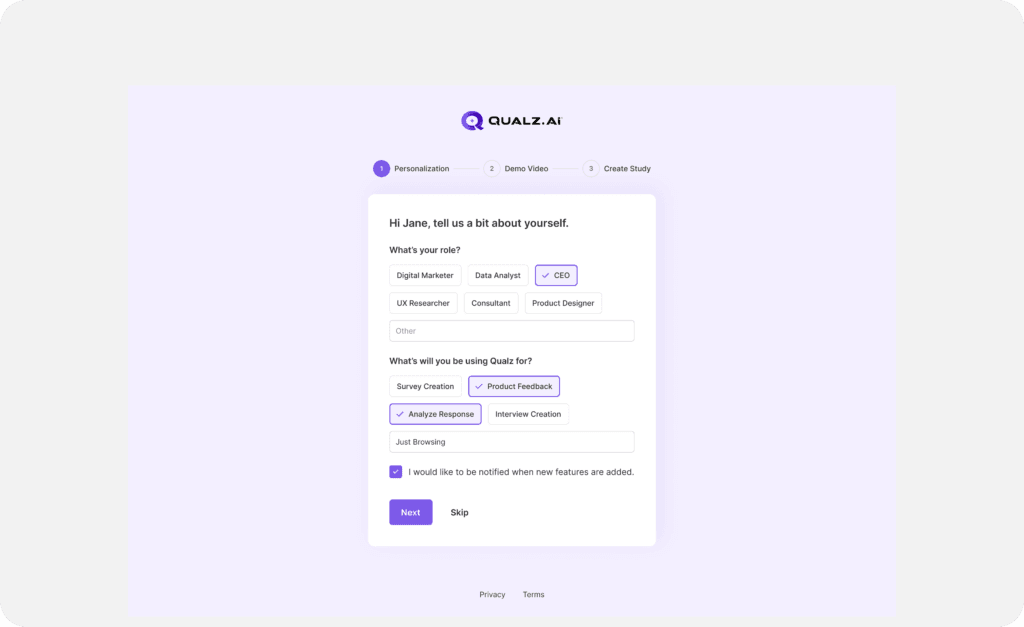
Personalization Details
- Enter your Role by selecting from the list or typing your current role.
- Select or enter your purpose for using Qualz from the provided list.
- To stay updated, check "I would like to be notified."
- Click Next to proceed, or Skip to bypass personalization details.
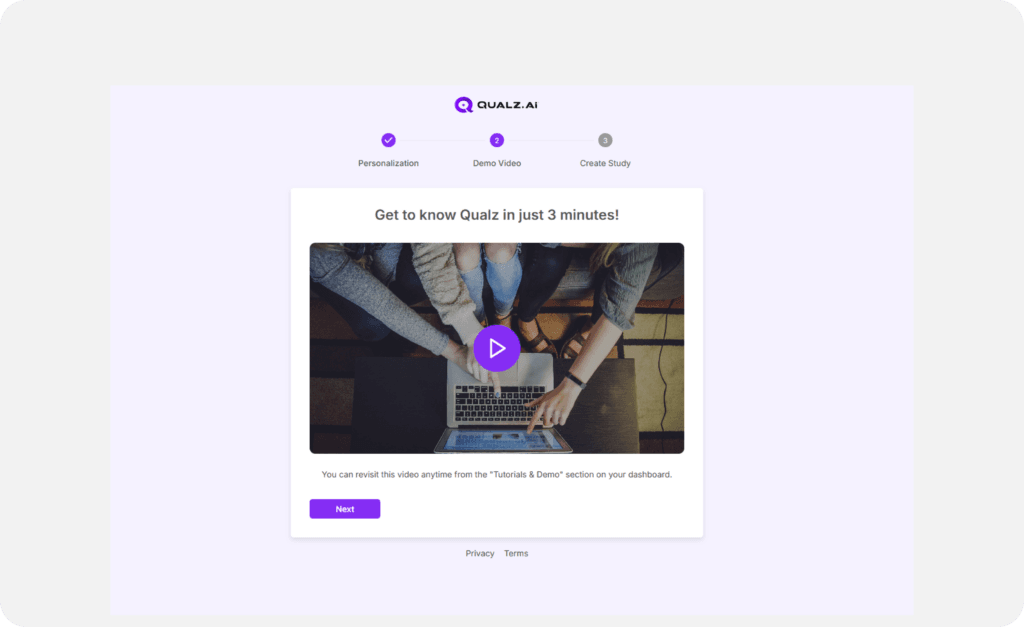
Demo Video (Optional)
- Watch the demo video for a quick overview of Qualz’s features.
- Click Next to proceed.
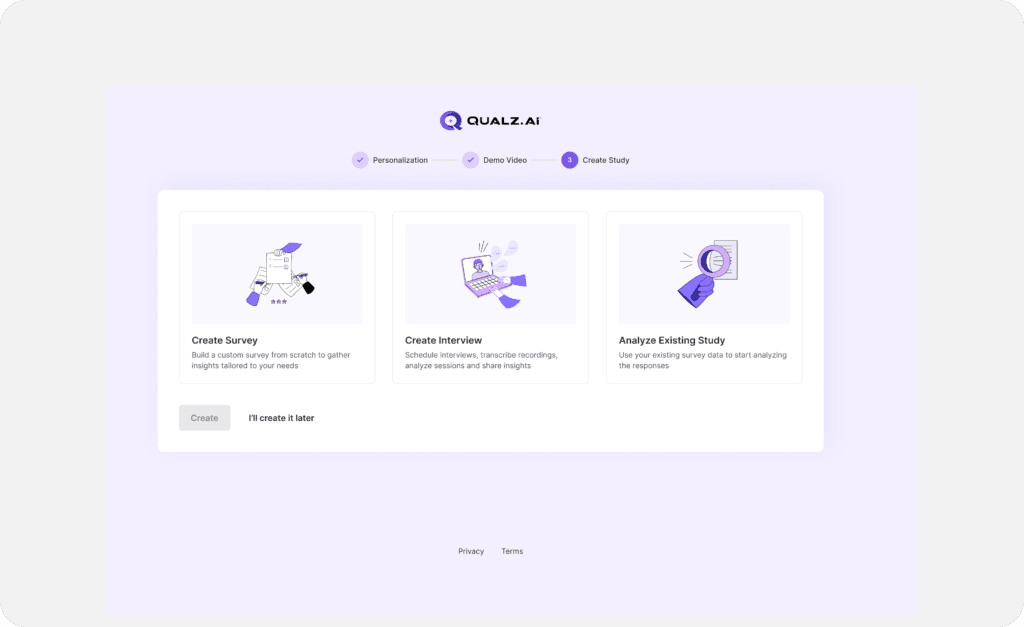
Start Your First Study
- Start a new study by following prompts, or click "I'll Create Later" to explore the platform.
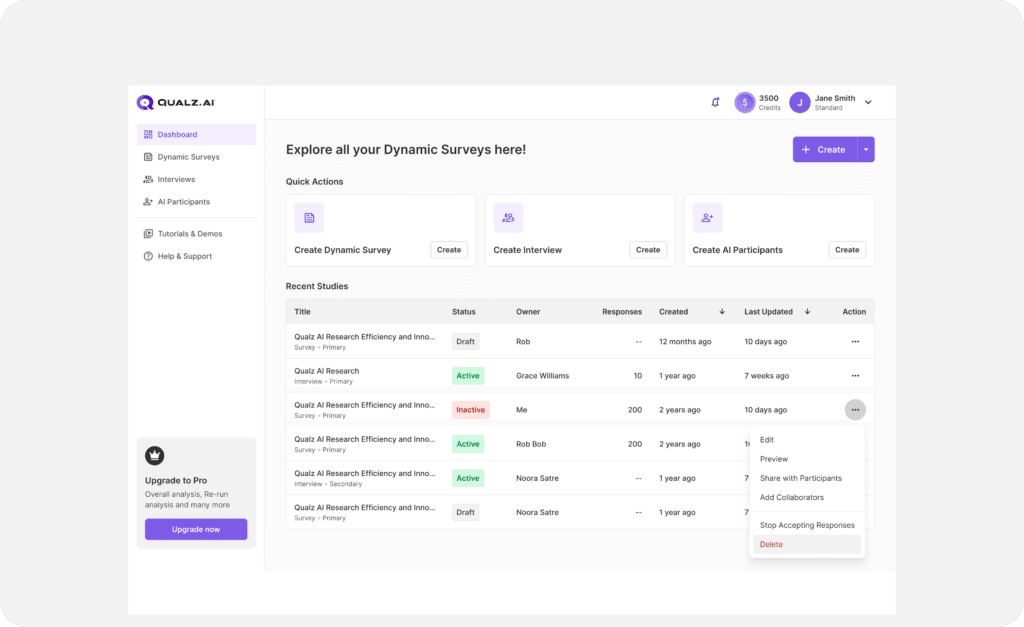
Dashboard
- Complete or skip onboarding flow to be redirected to the Dashboard and start using Qualz.
If you need help, our support team is just a click away!