New User Easy Registration
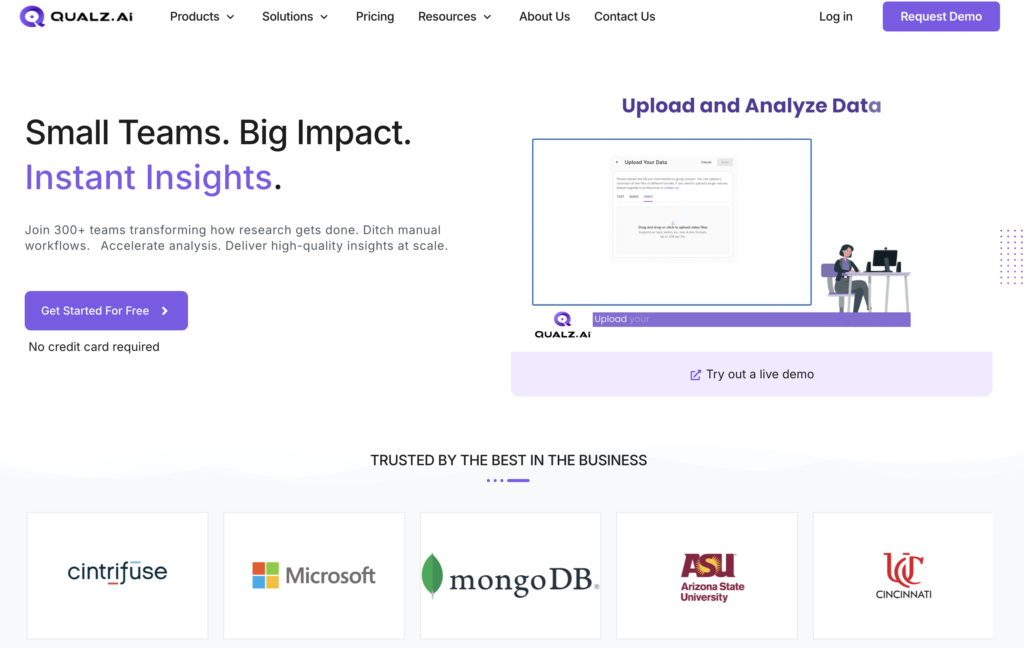
Access the Website
Follow these simple steps to register as a new user: • To get started, open your browser and go to qualz.ai • Access the Website
Begin Registration
- On the homepage, locate and click the “Get Started” button.
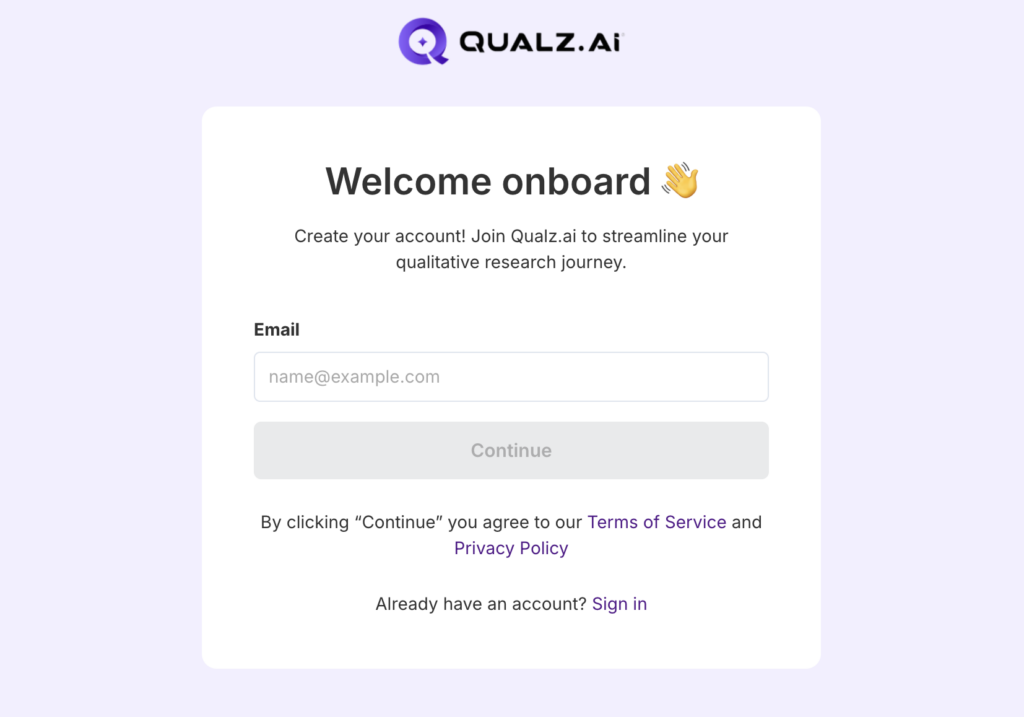
Enter Your Details
- Provide Your Email Address: Enter a valid email address**.** This email will be linked to your Qualz.ai account for communication, verification, and password recovery.
- Click on the Continue button to proceed.
- Read and understand the Terms of Service and Privacy Policy before you proceed.
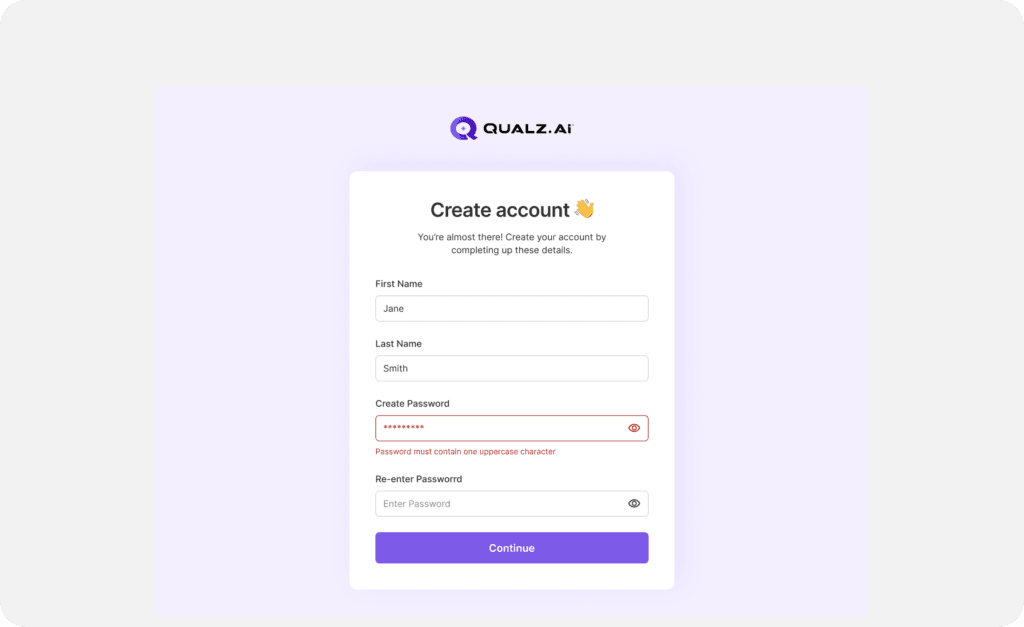
- Enter your First Name and Last Name.
- Create a Secure Password: Your password should meet the following criteria:
At least 8 characters long.
- Includes at least one uppercase letter.
- Contains at least one number.
- Includes at least one special character.
Confirm Your Password: Re-enter your chosen password to ensure accuracy and avoid login issues later
Click Submit or Create Account to proceed.
Verify Your Email
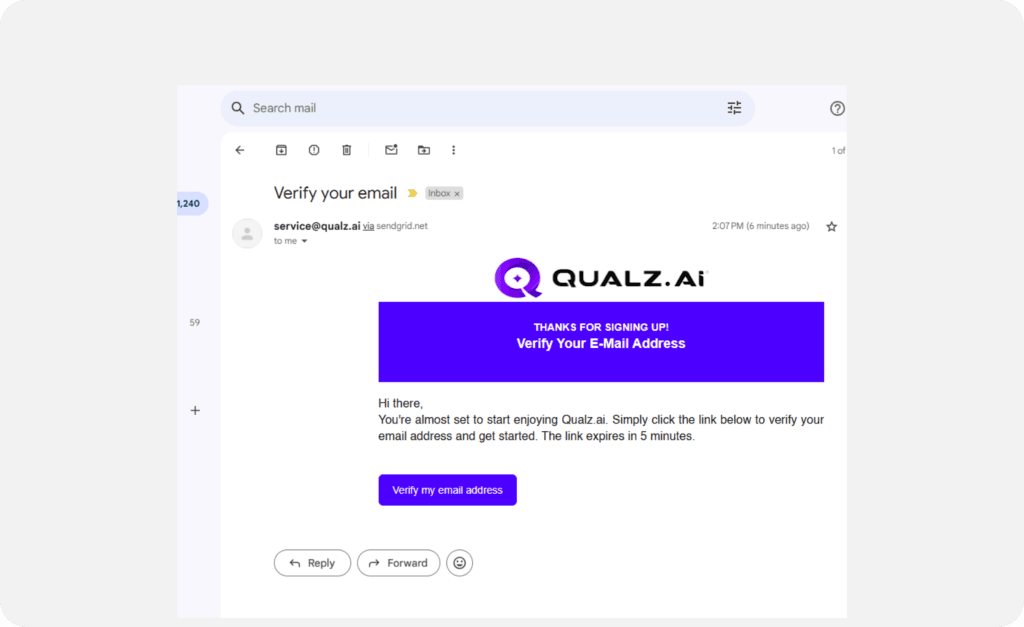
- After submitting your details, an email verification link will be sent to the email address you provided.
- Check your inbox for an email from Qualz.ai with the subject Verify Your Email Address.
- If you do not receive the email, click the Resend Link option.
- Click "Verify My Email Address" in the email to access the login screen.
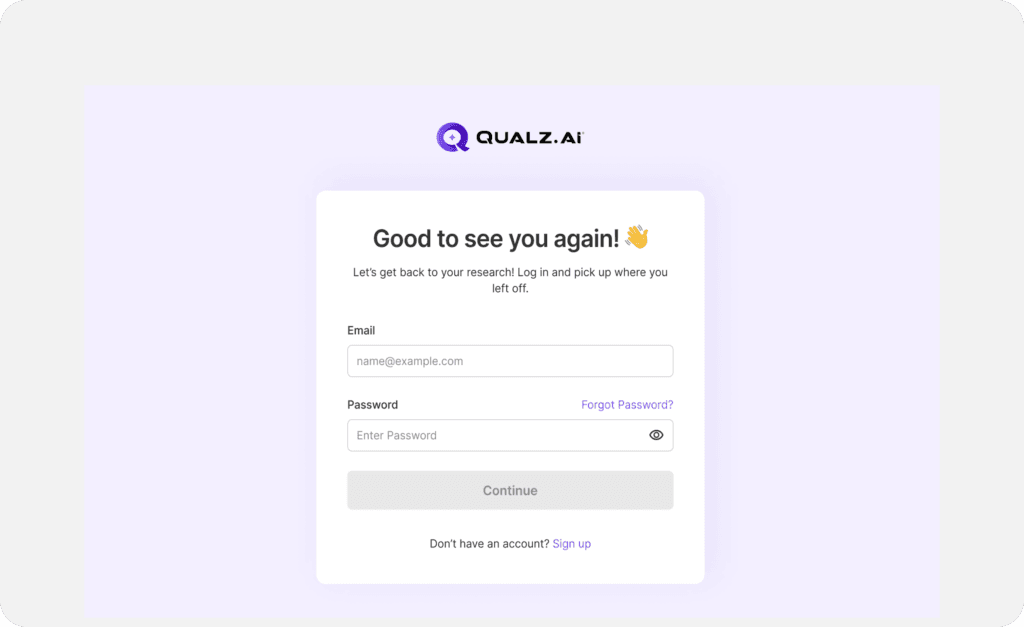
Log In to the Application
Now that your email is verified, you are ready to log in.
Use your registered email and password to log in and access the app.
You’re All Set!
- Explore Features: Navigate through the platform to familiarize yourself with the available tools and functionalities.
- Start a New Project: Begin using Qualz.ai’s tools to conduct a Dynamic Survey, an AI-moderated Interview, analyze your existing data, and also generate AI participants to do a quick validation of your ideas and get actionable insights instantly. Access Help & Support: If you encounter any issues or have any questions, our support team is just a click away!