Existing User Login
Just follow the steps below for an existing user login.
Access the Website
- Open qualz.ai in your browser.
- If you prefer, you can head straight to dashboard.qualz.ai to log in directly.
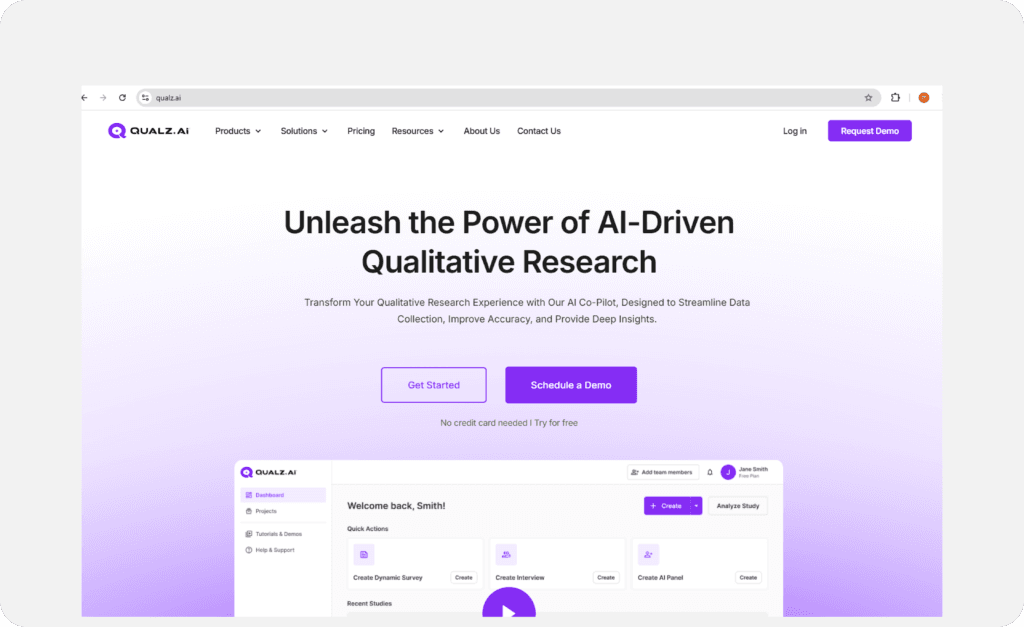
Initiate Login
- Click on the Login button.
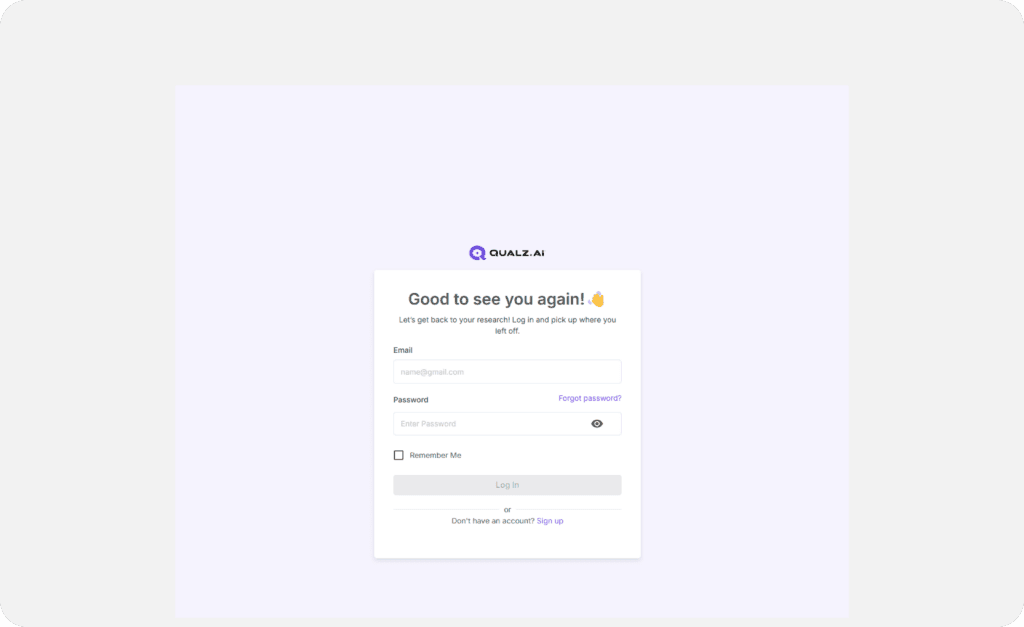
Enter Your Credentials
- Provide your registered Email Address and Password.
- Click Login to access your account.
Trouble Logging In?
Forgot your password? Don’t worry—we’ve got you covered! Follow these quick and easy steps to reset it and get back into your account:
Find the “Forgot Password?” Link
On the login screen, click the “Forgot Password?” link.
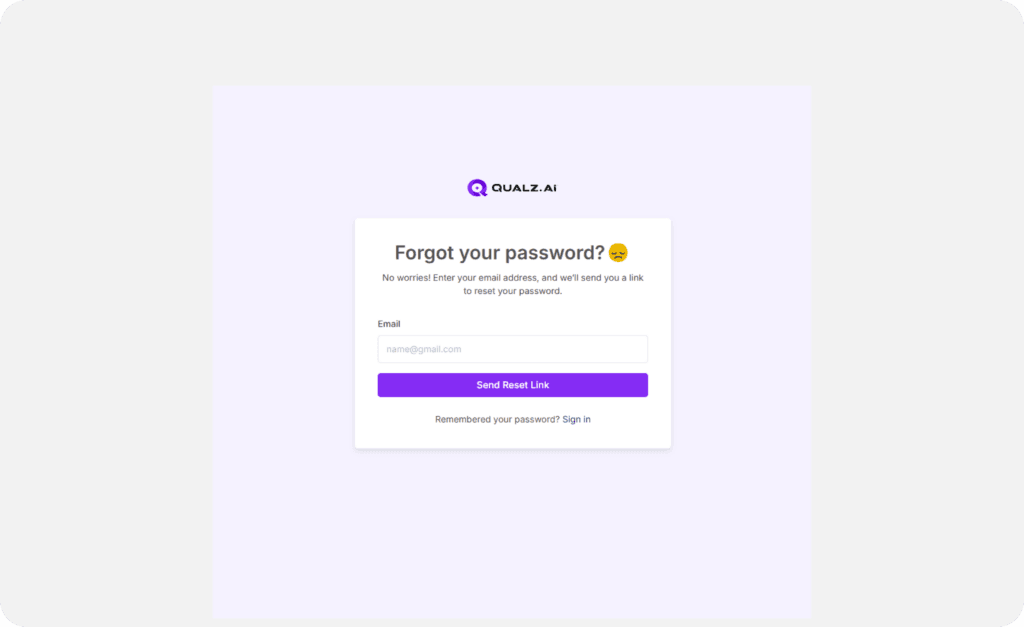
Reset Your Password
- You’ll land a screen where you need to enter your registered email address.
- Type in your email and hit Reset Link.
- Pro Tip: If you recall your password, you can sign in directly from this page.
- Still can’t remember? Click the Send Reset Link to move forward.
Check Your Email
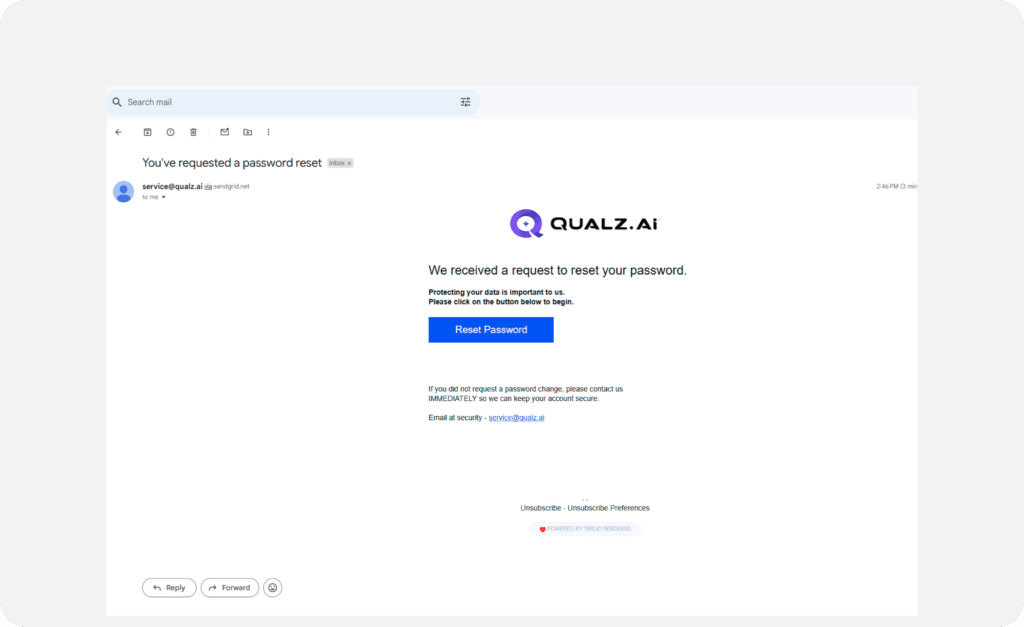
- Open your inbox and find the email with the subject line: "You Requested a Password Reset" (it’s from us!).
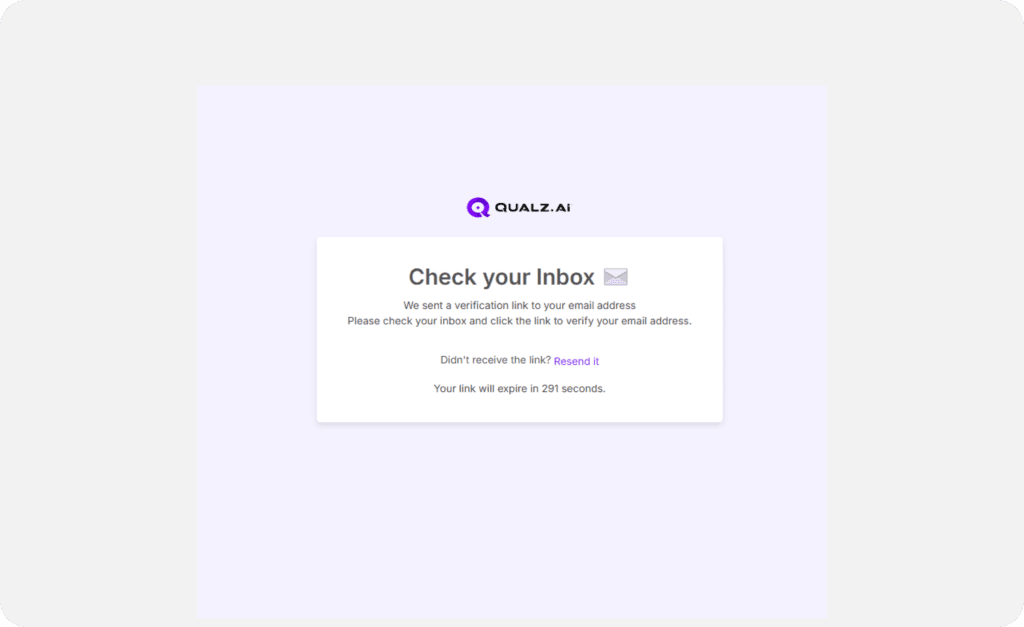
- Click the verification link inside the email to confirm your email address.
Create a New Password
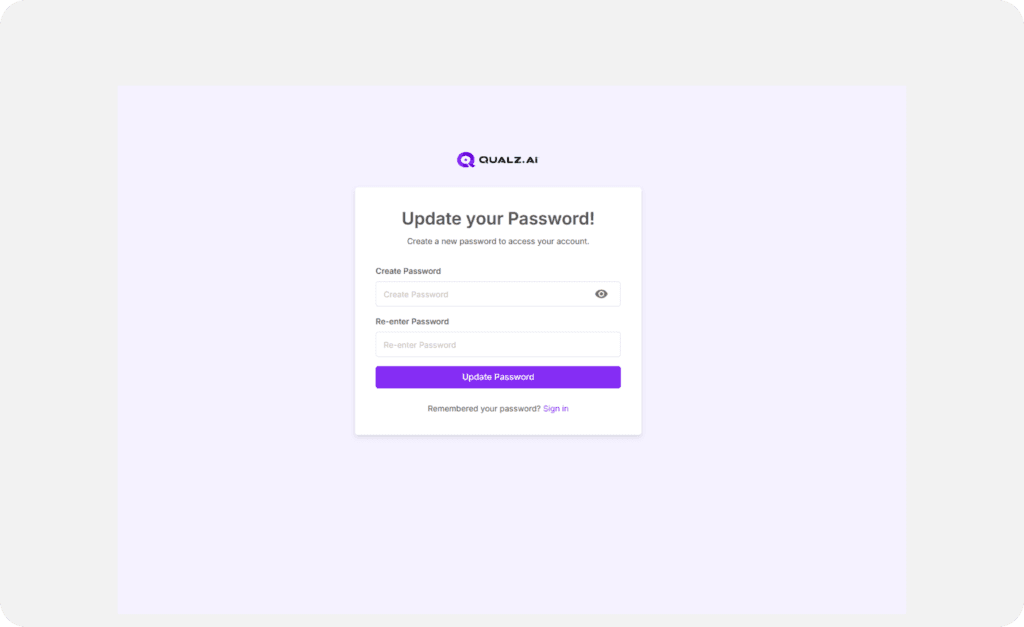
- Clicking the link will take you to the Qualz.ai page.
- Follow the instructions to set up a new password—and you’re done!
Need Help?
If anything doesn’t go as planned, our friendly support team is just a message away. We’re here to help!