User Dashboard
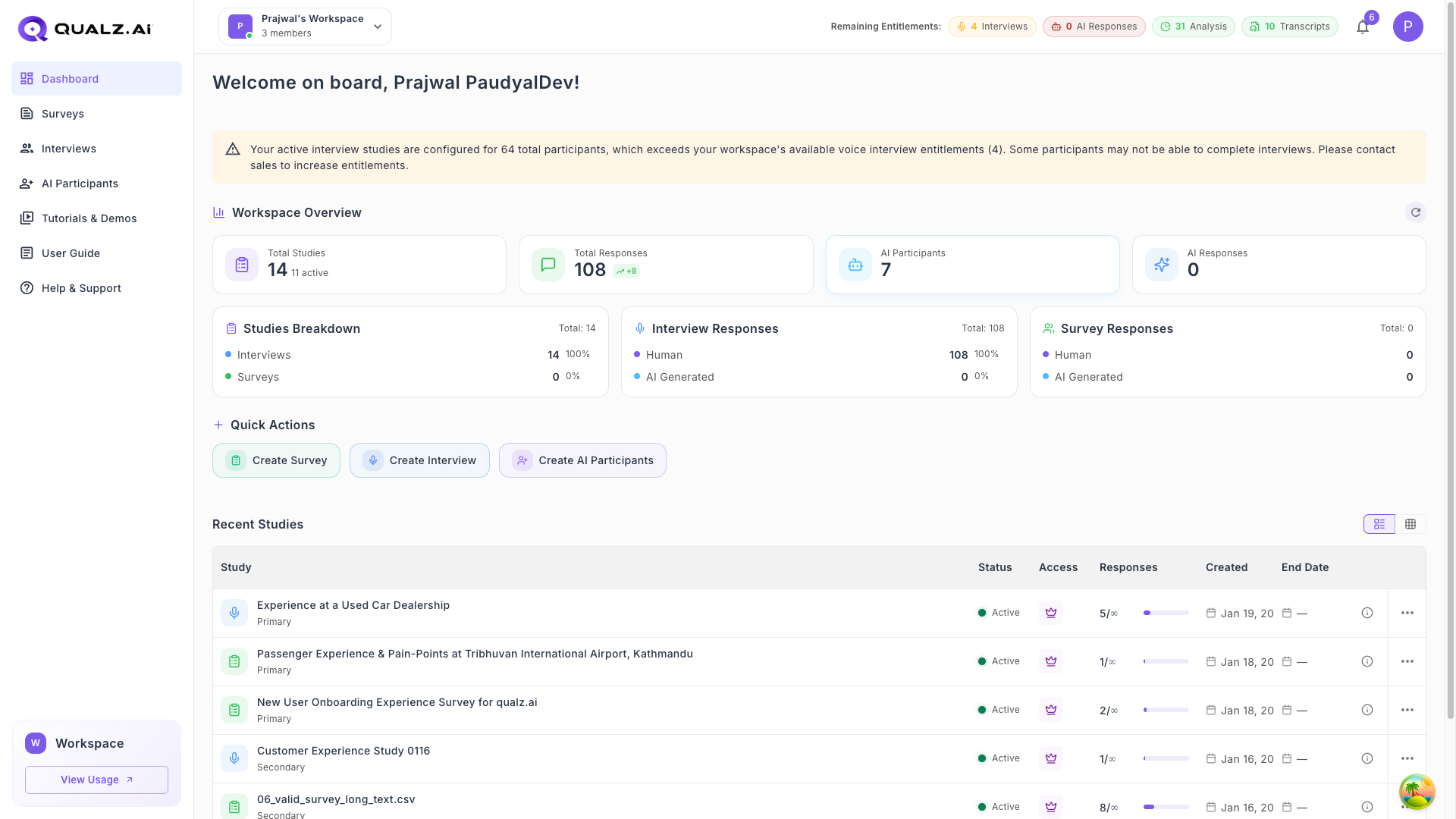
The Dashboard is your central hub for managing and accessing studies efficiently. It offers a clear overview of your account and key functionalities.
Credits Balance
- View your available credits balance at the top of the Dashboard.
Create New Studies
- Start a Dynamic Survey, AI-Moderated Interview, or configure AI Participants directly from the Dashboard.
Recent Studies List
- View the 6 recent studies on the dashboard, sorted by last updated date.
Study Details
Each study in the list shows the following information:
- Title
- Status
- Owner
- Responses Count
- Created Date
- Updated Date
Study Classification
Easily identify the study type and origin:
- Study Type: Dynamic Survey or Interview.
- Primary Study: Created within the Qualz platform.
- Secondary Study: Imported from external platforms.
Sorting Options
Navigate the dashboard to organize your studies by:
- Study Title
- Status
- Owner
- Responses Count
- Created Date
- Updated Date
Action Menu Options
Use the action menu for quick operations:
- Edit: Modify the study.
- Preview: View the study as it will appear to participants.
- Share: Generate a link or QR code to share the study.
- Delete: Permanently remove the study.
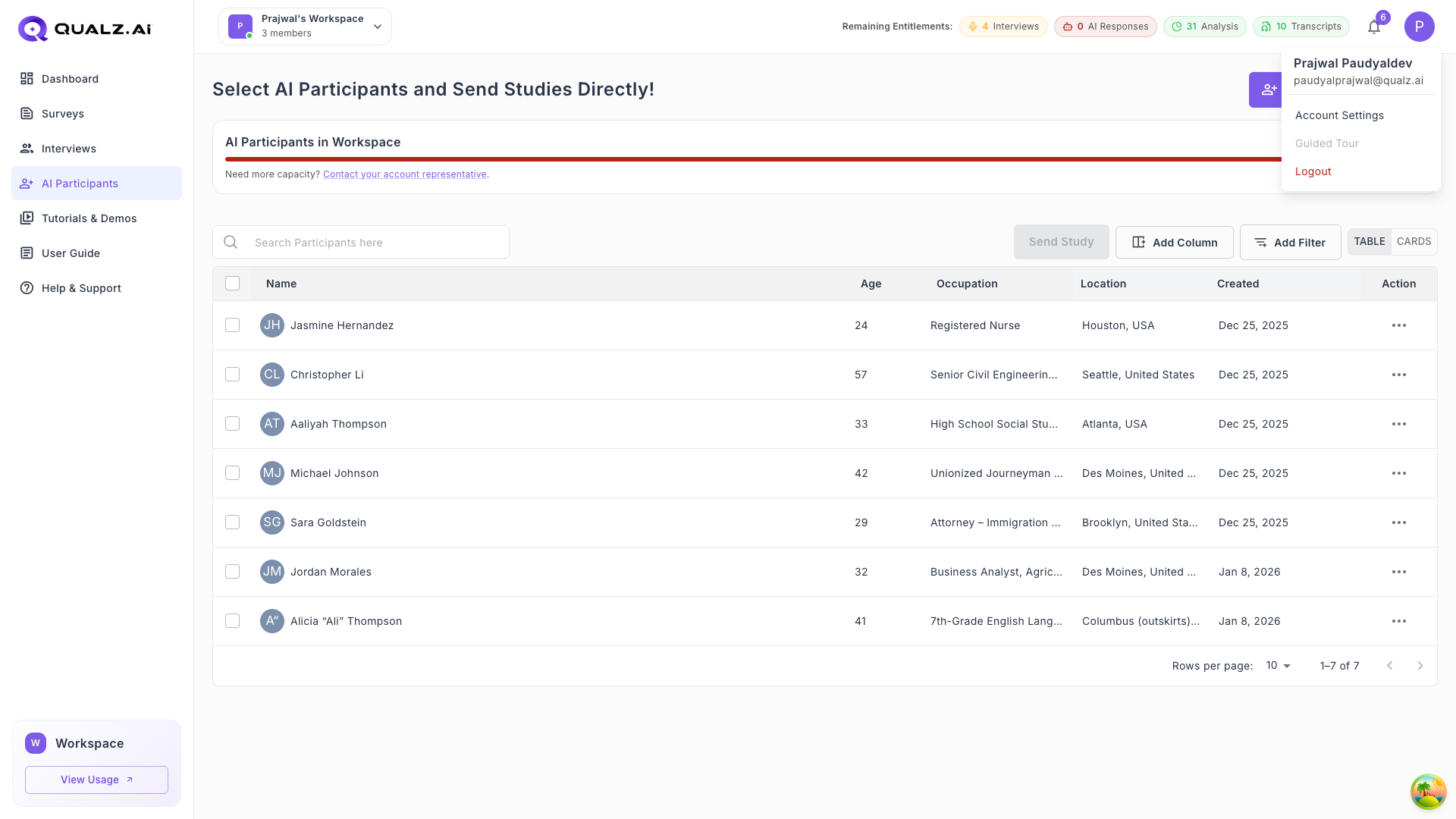
User Profile Menu
Click on your profile icon in the top-right corner to access account options:
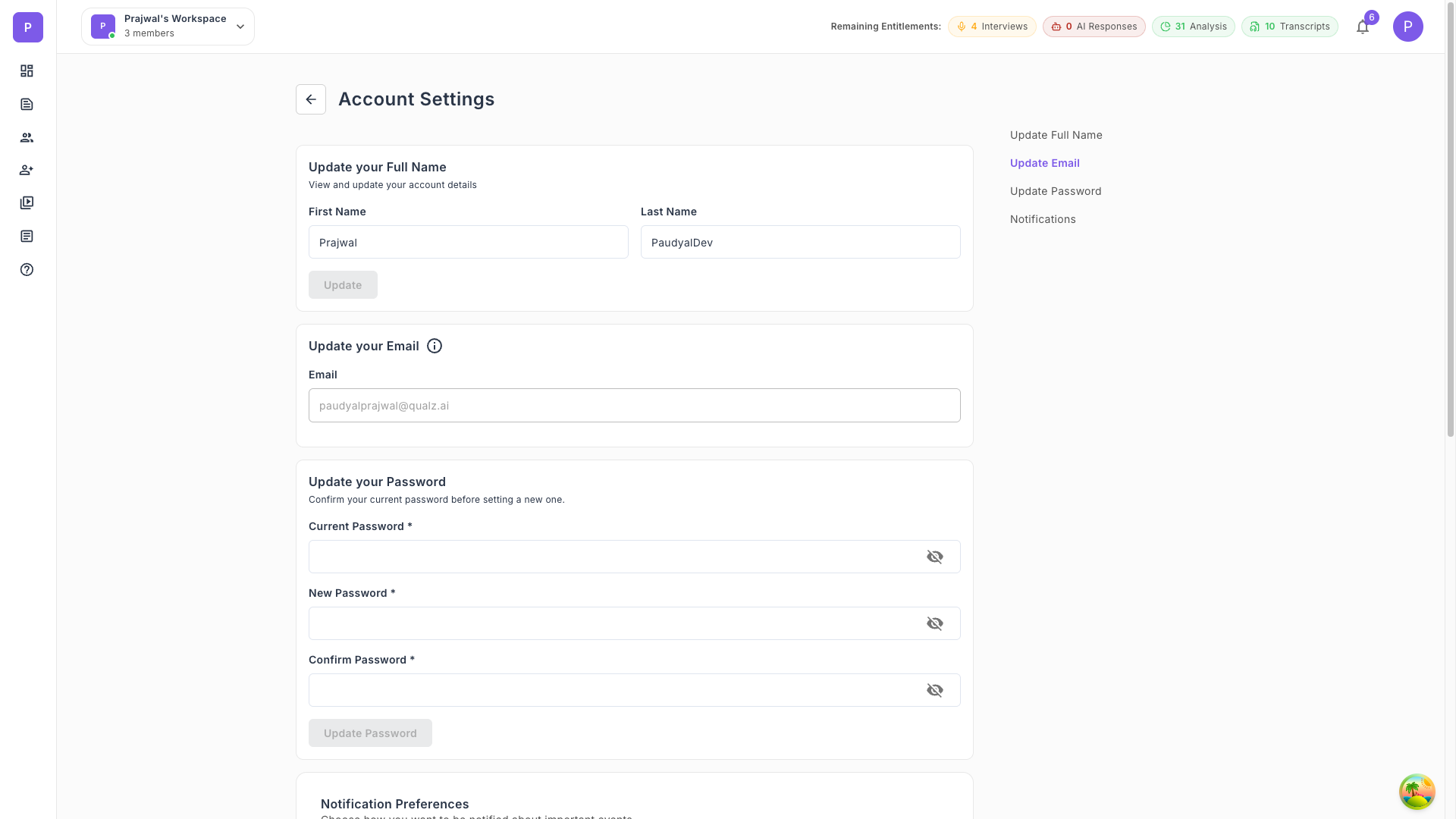
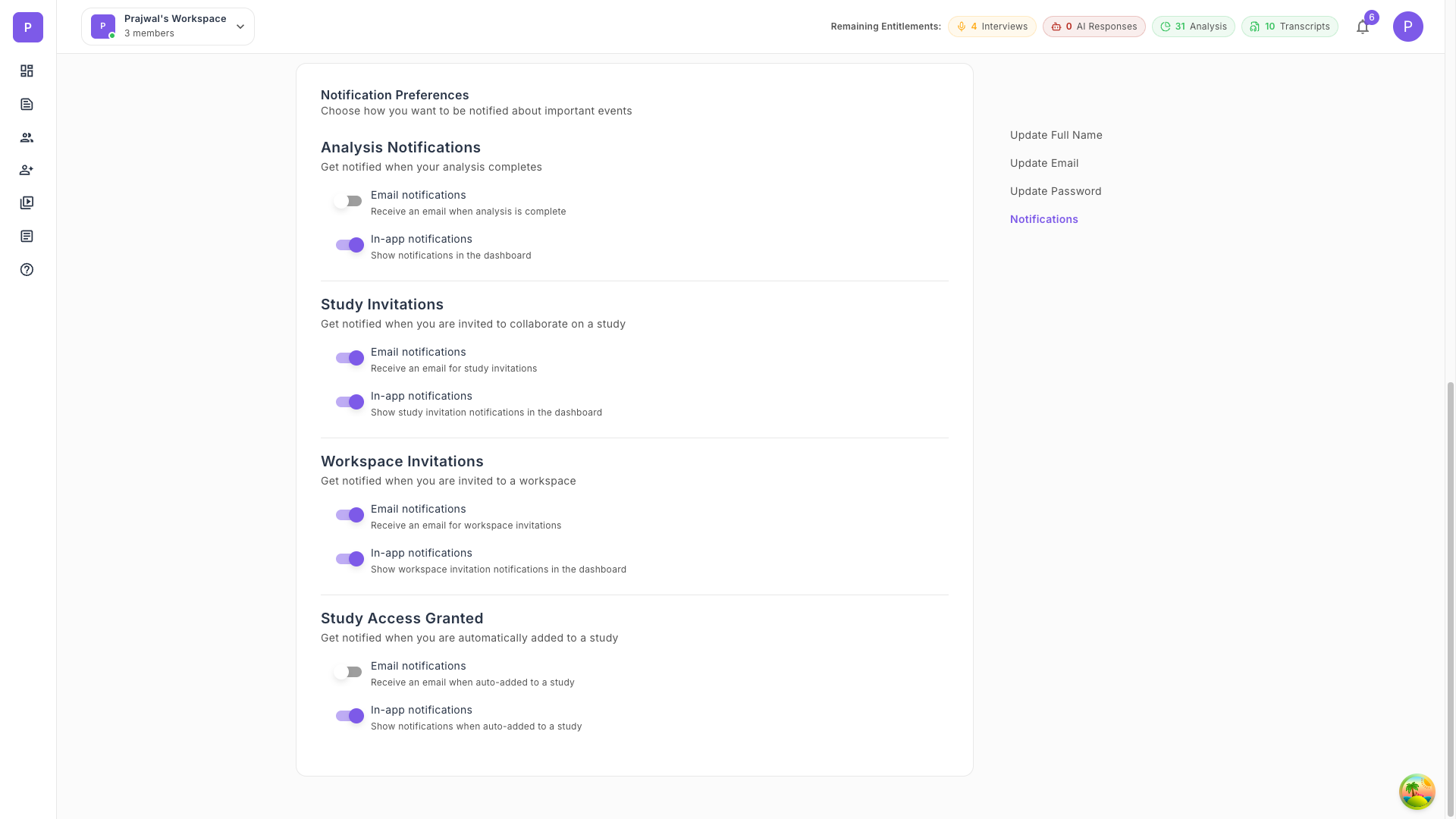
Account Settings
Access your account settings to update your name, email, password, and notification preferences: