Analyze Surveys with AI Participants
With this guide, you can easily analyze your survey data with AI participant responses and gain actionable insights in no time.
Select Study for AI Participant's Response
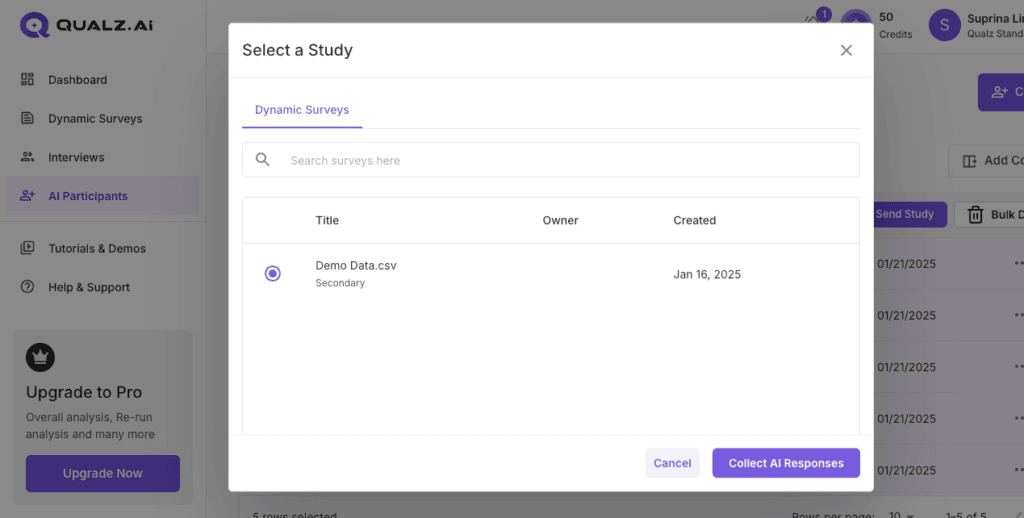
- Upon filtering AI participants and clicking Send Study, a box appears that provides the option to select a study.
- Select a study from which you want to collect responses (Survey/ Interviews).
- Once you select your study, click Collect AI Responses to get responses from AI participants.
Survey Analysis Dashboard
If you select one of the Survey studies, then you'll be directed towards the Survey analysis dashboard.