How to Generate and manage AI Participants
Don't let the lack of respondents slow you down! AI participants provide reliable, data-driven responses, helping you complete your surveys efficiently and gain valuable insights without waiting for real participants. By following these steps, you can efficiently generate AI participants to gather meaningful insights.
Genera AI Participants
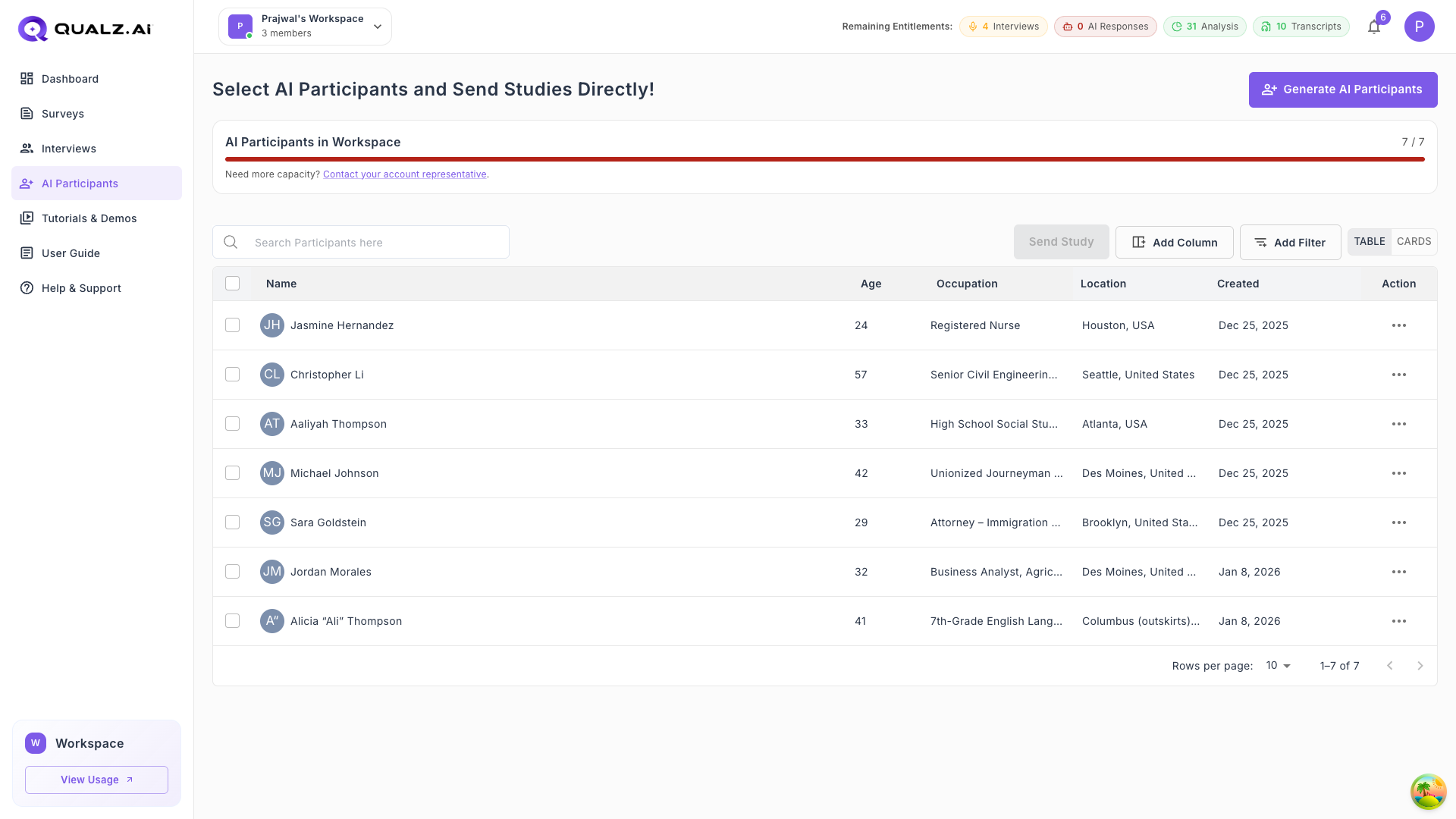
Easily create AI participants to simulate survey responses and tailor your research.
How to Generate AI Participants:
Configure Participant Details
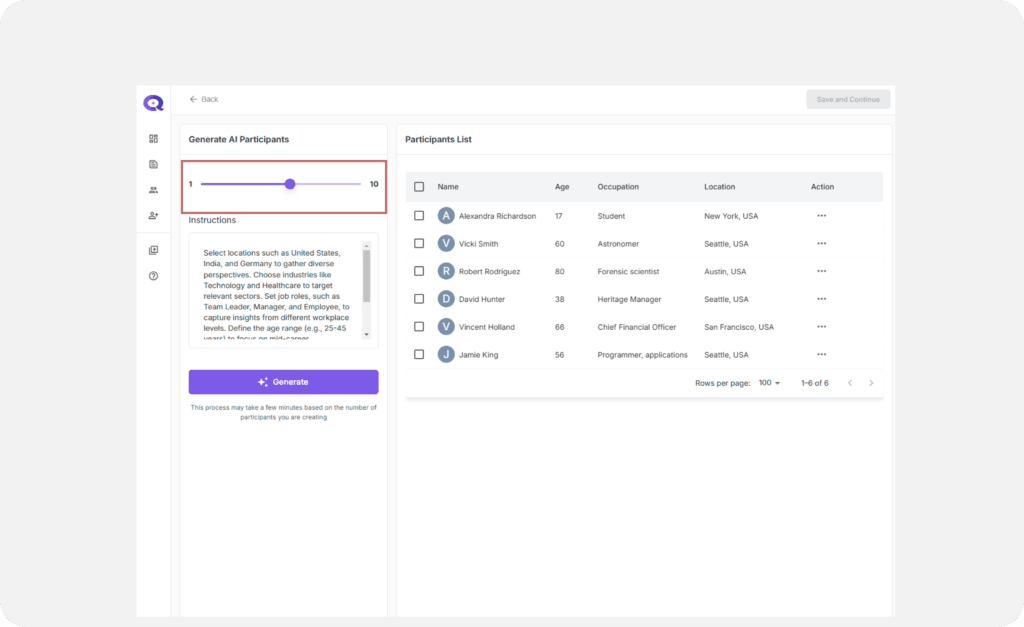
- Number of Participants Specify the number of AI participants to generate.
-
Age Range Set the age range using the slider (13-100).
-
Location Enter locations in the format "City, Country".
-
Educational Background Input specific fields of study or academic disciplines.
-
Educational Level Select the level(s) of education attained.
-
Occupational Background Specify job roles, industries, or professional fields.
-
Cultural Identity Describe cultural, religious, or ethnic identities.
-
Additional Instructions Provide any special context or unique characteristics.
Generate Participants
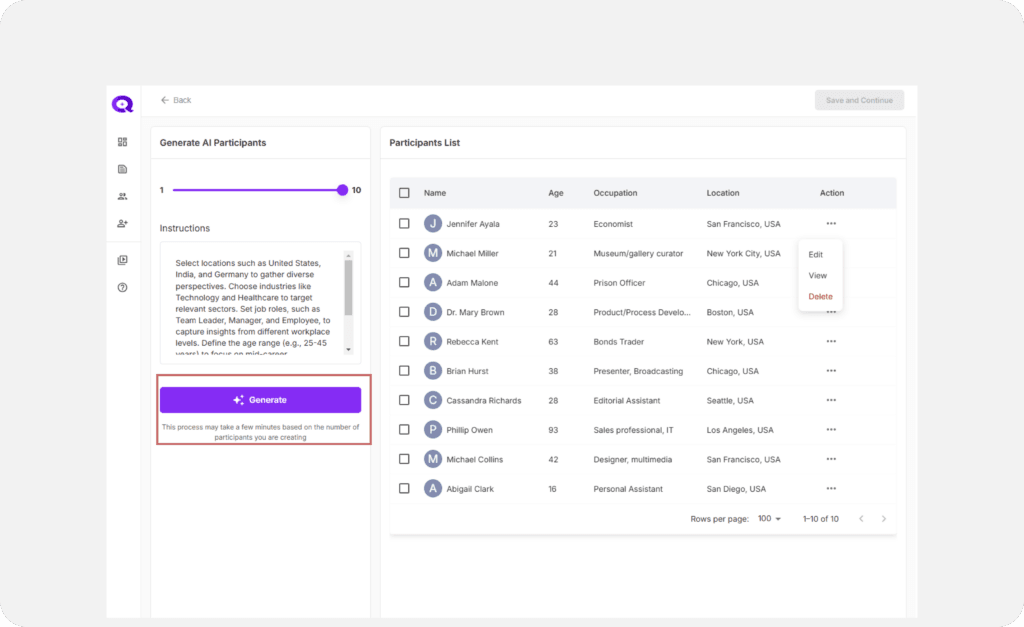
- After configuring the desired attributes, click on the Generate button.
- Note: This process may take a few minutes based on the number of participants you are creating.
Manage Individual Participants
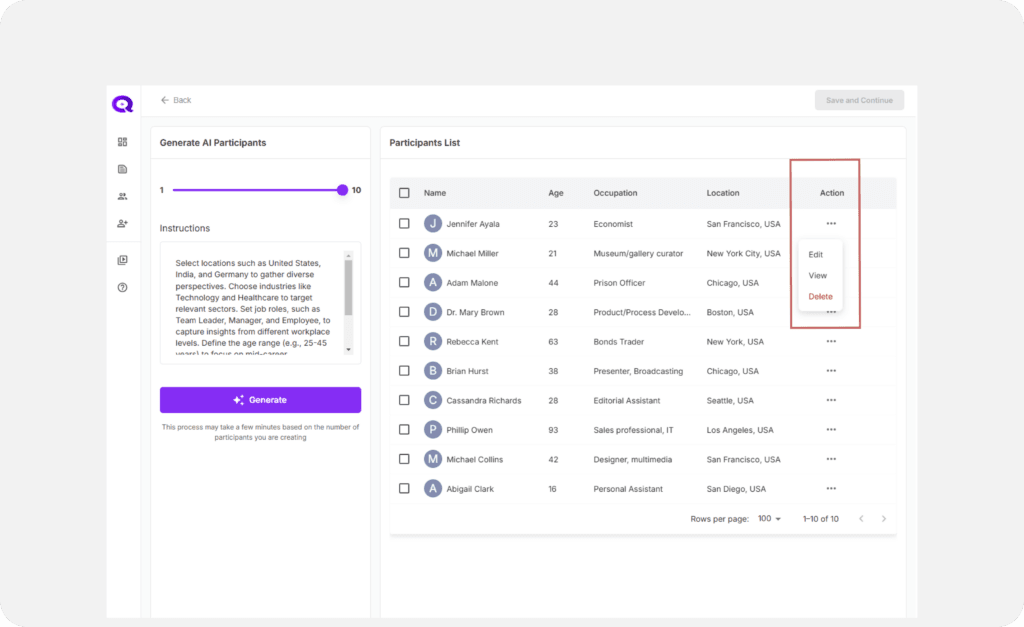
Use the Action menu to:
- Edit the details of any participant.
- View individual profiles.
- Delete participants if they don’t match your criteria.
Save and Continue
- Select participants using the checkboxes and click Save and Continue to proceed.
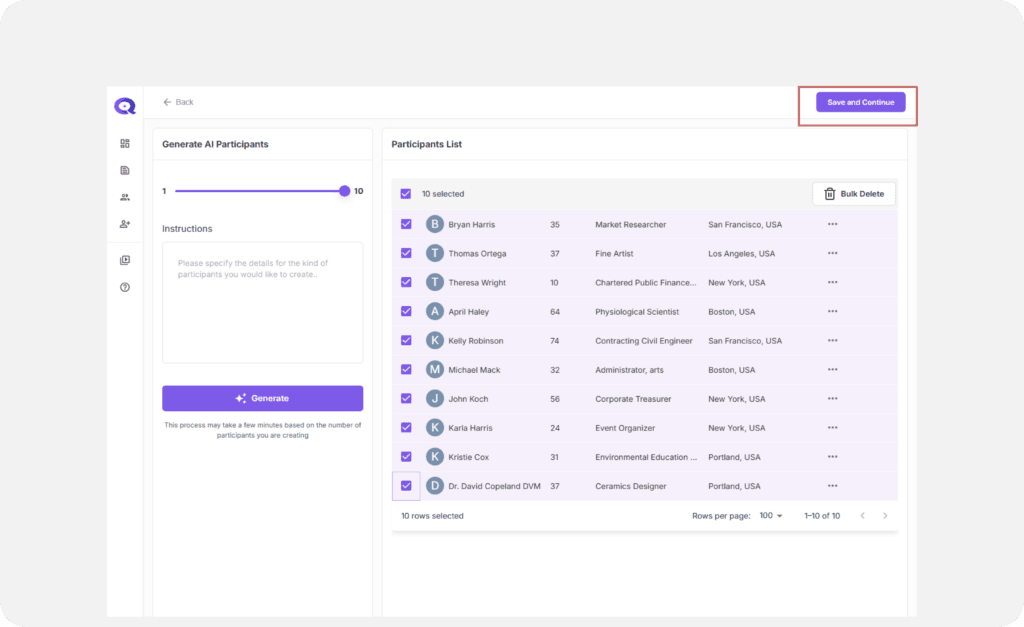
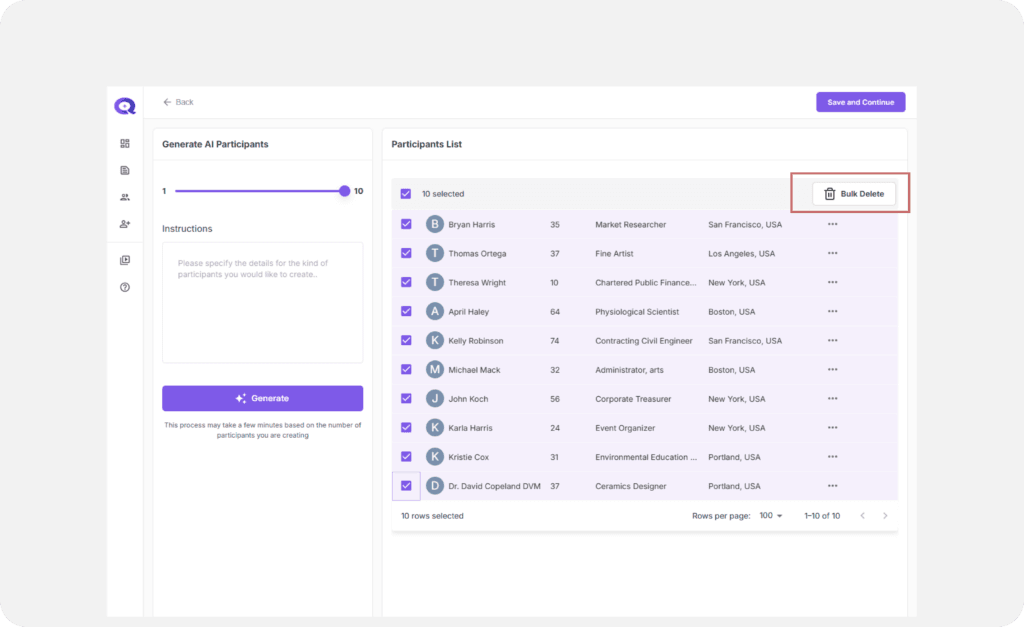
- If you need a fresh list, use the Bulk Delete option and regenerate participants.